
TLDR Highlights

The War Stories: A look back at the early 2000s, where getting a top-tier GPU like the Radeon 9700 Pro meant battling dodgy drivers, AGP slots, and the very real risk of turning your PC into an expensive heater.

The Dark Arts: We used to risk literal "doom smoke" and hardware death for a measly 30 MHz overclock. Today, that level of effort feels like trying to start a fire with two sticks while someone else uses a flamethrower.

The AI Revolution: As of 2026, Frame Generation has changed everything. We have moved from "Brute Force" rendering to "Neural Rendering", where NVIDIA, AMD, and Intel are using AI to "imagine" pixels rather than sweat for them.

The "Cheat Code": From NVIDIA’s 6x Dynamic multipliers to AMD’s Redstone AI, performance gains are now measured in hundreds of percent, not single digits all without touching a single voltage slider.
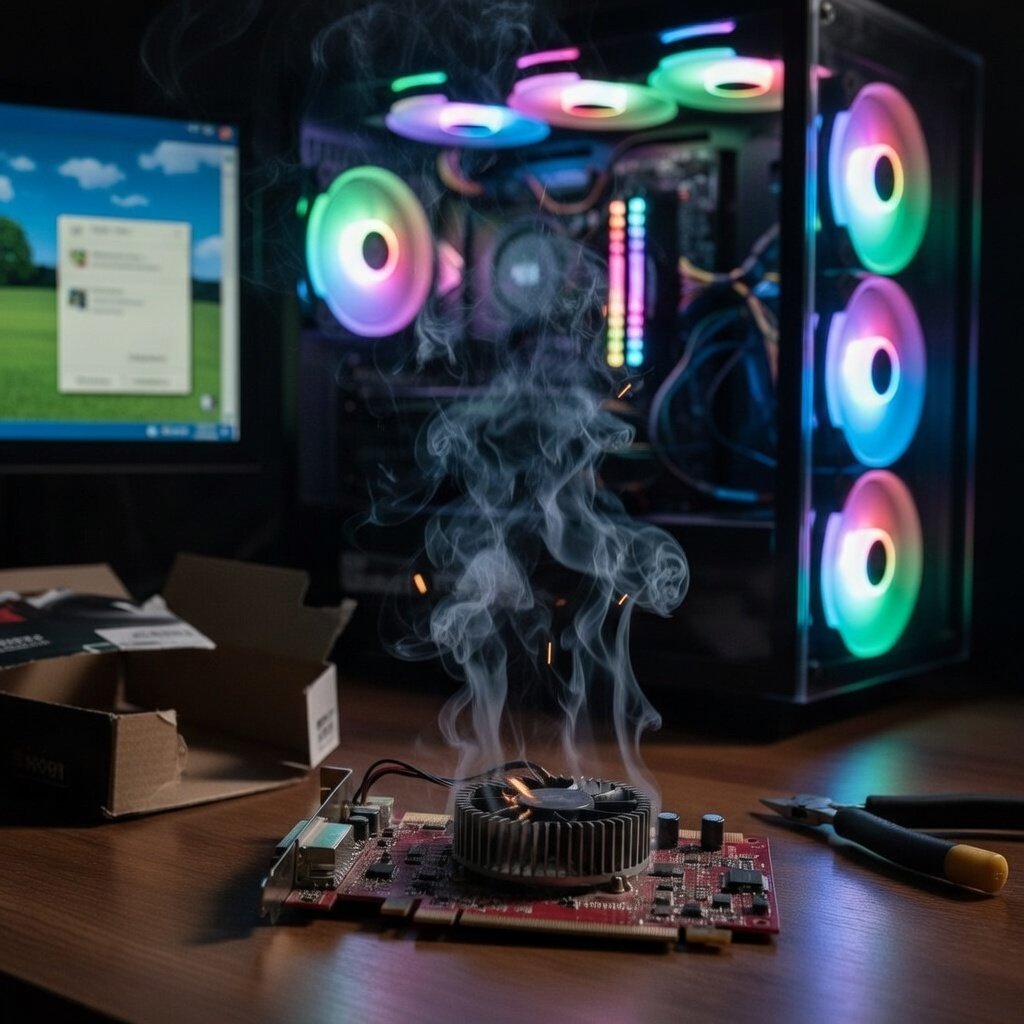
The year was 2002 and there I was, ripping open the packaging eagerly, tearing through the cardboard to reveal the beauty that was my Radeon 9700 Pro! It was ATI (that’s right, children, AMD bought them and rebranded them). Not only that, it came with 128 megabytes, yes, you read that correctly, megabytes, of DDR, not GDDR but skanky old DDR. The PCB was red, which back then was amazing. It had a puny little black cooler that today would struggle to cool an SSD. None of that mattered though, because what it represented was far more legendary. It was the first time a non-Nvidia GPU had stood atop the charts as the most powerful card you could slap into your clear acrylic desktop case.
I remember carefully clicking it into its AGP slot (think PCIe only much, much slower), gently connecting the floppy drive power cord (omg, it really did use that), and powering on the beast. My computer burst into an RGB fan disco of light and sound (mostly my noisy HDDs), and Windows XP cheerfully announced my acceptance into the official PC Master Race! The anticipation was hard to contain. I fired up Operation Flashpoint (the most demanding game I down, ahem, owned) and set everything to max settings, for I was no longer a peasant. I glanced over at my now-retired Nvidia GeForce 4 MX lying pointless on the desk, naked and ashamed of itself, and chuckled at its deserved demise.
The game loaded up, the splash screen came and went, and the engine kicked into life to reveal an absolute shit show of artifacts and random shapes cascading all over where the game should be. I scratched my head, repeated the start, and same thing again! Hours later I found out that ATI were not as good at drivers as they were at hardware, and I was in for frustrating weeks until they got their crap together and published drivers that could get anything decent from the GPU.
I thought I could fix the problem with more power, and so I began a dangerous witchcraft known by many and perfected by few. The dreaded overclocking dark arts! With my GPU cranked up by a whopping 30 MHz!!! and my RAM left well alone because I had no idea what I was doing. I fired up the beast yet again and this time, the game came on, had a think, and then the PC went off. Black screen, no idea what I had done. Had I opened a portal to the Upside-down? No! Something far worse, I had cooked my GPU and it had gone on a temporary lunch break. After lots of Googling, calling friends, and almost crying, the PC agreed to return to me after I promised never again to touch its clock speed. Of course later I did, and generally it was fine, but a hard lesson was learned that day… only overclock other people’s PCs!
I patiently updated new drivers each time they dropped, and the card generally got better. Games played at high settings. In the end it turned out okay, not amazing, but good enough, and yet the scar of being let down by hardware that should have done better never faded to this day.
Today I stand before you, a veteran of the hard times, and I am about to explain why overclocking just became a much less needed, or perhaps pointless, affair (maybe not, but let’s see). For frame generation is upon us, and from henceforth we will truly be able to squeeze the most juice out of our GPUs without risking the dreaded whiff of expensive doom smoke vaguely appearing from the direction of your PC.
Back then, we traded years off our hardware’s lifespan for three extra frames per second. Today, kids are clicking ‘Frame Gen: ON’ and multiplying their output with zero risk to their parents’ credit cards. It feels like cheating, it is cheating, but it’s more than that too.
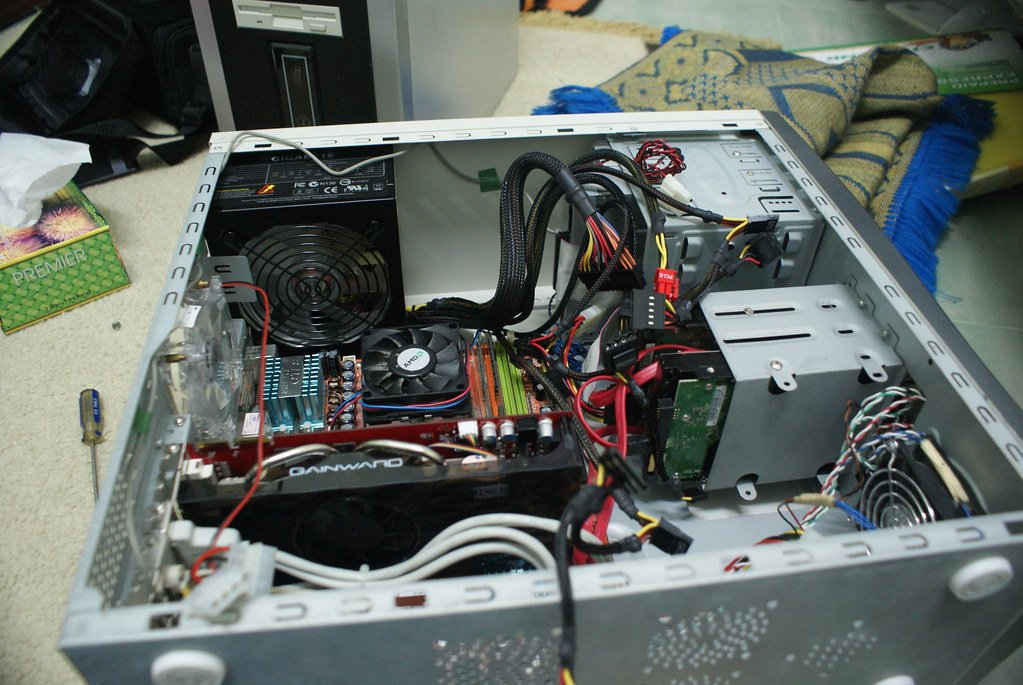
As of early 2026, the old world of rendering every pixel the hard way is over. Native resolution is gone for anything serious. What we have now is neural rendering: the GPU draws the basic scene at a lower resolution, then AI fills in the gaps, adds detail, and generates whole extra frames to make everything look and feel smooth as butter. The big players have all gone all-in.
NVIDIA is still out front with the RTX 50 series on the Blackwell architecture. Their latest Tensor Cores are built around FP8 precision, which basically doubles the speed of the AI maths without making the picture noticeably worse. That raw speed lets them do something called Dynamic Multi-Frame Generation, up to 6x. You render the game natively at, say, 40 frames per second, and the AI watches the scene load, checks your monitor’s refresh rate, and decides how many extra frames to invent on the fly. On a 240 Hz panel, it might push 4x when things are steady at 60 FPS native, then jump to 6x the moment the base rate dips to 40 FPS so the display never starves. Latency used to be the killer with frame gen, but tools like Reflex 2 Frame Warp now reprojection the latest completed frame right at the end of the pipeline, using fresh mouse and keyboard data. Real-world drops from 56 ms down to 14 ms in fast-paced shooters. No voltage tweaks, no fans screaming, just silicon quietly doing wizardry.
AMD finally admitted the old ways weren’t cutting it. With RDNA 4 and the Radeon RX 9000 series they ditched the hand-tuned upscaling tricks of FSR 1 through 3 and built proper AI accelerators, two per compute unit, that handle FP8 and INT4 with sparsity acceleration (skipping useless zero calculations). The result is FSR 4 “Redstone”, a fully neural pipeline that delivers 4x frame generation on a fixed multiplier. It’s not quite as clever as NVIDIA’s dynamic scaling, but it closes the visual gap dramatically and runs on hardware that actually has the dedicated silicon for it.
Intel plays a different game, leaning into mobile and integrated graphics with their Battlemage (Xe2) and Panther Lake parts. Their XMX engines are basically systolic arrays doing the same heavy lifting as Tensor Cores, but with smart fallbacks to older DP4a instructions when full XMX isn’t available. XeSS 3 offloads scheduling to the NPU in modern Core Ultra chips so the GPU never stalls waiting for data. Frame generation here focuses on rock-solid pacing and consistency, perfect for laptops and handhelds that can’t just brute-force their way through heat.
Quick side-by-side of the 2026 high-end beasts:
- NVIDIA RTX 5090: Blackwell, 5th Gen Tensor Cores, FP8/FP16, GDDR7 at monstrous bandwidth, 6x Dynamic frame gen
- AMD Radeon RX 9070 XT: RDNA 4, 2nd Gen AI Accelerators, FP8/INT4, GDDR6 (optimised), 4x Fixed frame gen
- Intel Arc B580 (mid-range example): Battlemage Xe2, XMX Engines, XMX/DP4a, GDDR6, 4x Multi-Frame
Everyone uses the same basic ingredients: a low-res colour buffer, depth buffer for occlusion, motion vectors to track movement, and sub-pixel jitter offsets (usually a Halton sequence) so each frame samples slightly different parts of the scene. The AI then stitches temporal history together into something that looks higher-res than what was actually rendered. NVIDIA’s transformer model is brilliant at keeping long sequences consistent, no more ghosting trails behind fences or distant trees. AMD tackles shimmering vegetation and sudden pop-in better than ever. Intel keeps everything feeling steady even when the GPU is breathing through a straw.
The real cheat code? Community tools let you force frame generation onto cards that were never meant to have it. Older RTX 30-series, even some GTX 10-series survivors, suddenly get playable frame multipliers when people inject the logic manually. Your dusty 2020 card can suddenly hold its own at higher refresh rates without you ever cracking open Afterburner.
Here’s the dark comedy of it all: we used to risk turning our GPUs into expensive coasters for a handful of extra frames. Gen Z just enables the feature in the driver or game menu, grabs another energy drink, and plays at 240 FPS while the card idles cooler and quieter than it ever did natively. Lower power draw, less heat, longer hardware life, fewer landfill GPUs. Overclocking still has its place for the die-hard tweakers, but why chase 15–20 % when AI hands you 400–600 % multipliers without the smoke?
Of course it’s not perfect. Generated frames can hallucinate weird text on signs, smear HUD elements, or push VRAM usage through the roof on 8 GB cards. If your base frame rate is too low the input lag creeps back in, though modern latency compensation mostly keeps it in check. Modded implementations on unsupported hardware add extra glitches. But compared to the black-screen terror of a botched overclock? It’s practically free.
Looking forward, neural textures and runtime scene reconstruction mean the GPU won’t just generate frames, it’ll imagine entire environments on demand. Frame generation isn’t merely safe overclocking; it’s the funeral for the dark arts we used to romanticise. Kids today have it disgustingly easy. We bled for our frames. They just press a button, the entitled little sh…
It’s a brave new world.
Lab Notes:

Hands-on Experience: My perspective is built on a misspent youth spent bricking high-end components I couldn't afford. I learned the trade by trial, error, and the smell of ozone, eventually graduating to helping friends "accidentally" destroy their own rigs too.

Architectural Deep-Dive: I have read data for NVIDIA Blackwell and the AMD RDNA 4 architecture to understand the move from brute-force rendering to neural-based pipelines.

AI Feature Analysis: I reviewed the launch documentation for NVIDIA’s DLSS 4.5, including its 6x Dynamic Multi-Frame Generation, and AMD’s FSR 4 "Redstone" ML-powered suite.

Latency Verification: I analysed the notes for NVIDIA Reflex 2 "Frame Warp" and Intel XeSS 3 to see how modern AI-driven latency compensation compares to old-school raw output.

Market Tracking: I monitored the 2026 release cycle of the GeForce RTX 50-series and Intel's Arc Battlemage B580 to verify current hardware availability and software integration.